

From Media Composer
Bring the Avid project. Keep your hands.
Drop in the Avid project you are cutting and watch the cut rebuild in B/side, every shot in order. Then it tells you what it found and which shots are missing. The keyboard is Media Composer's, so nothing about how you edit has to change.
Your hands
The keys you already know.
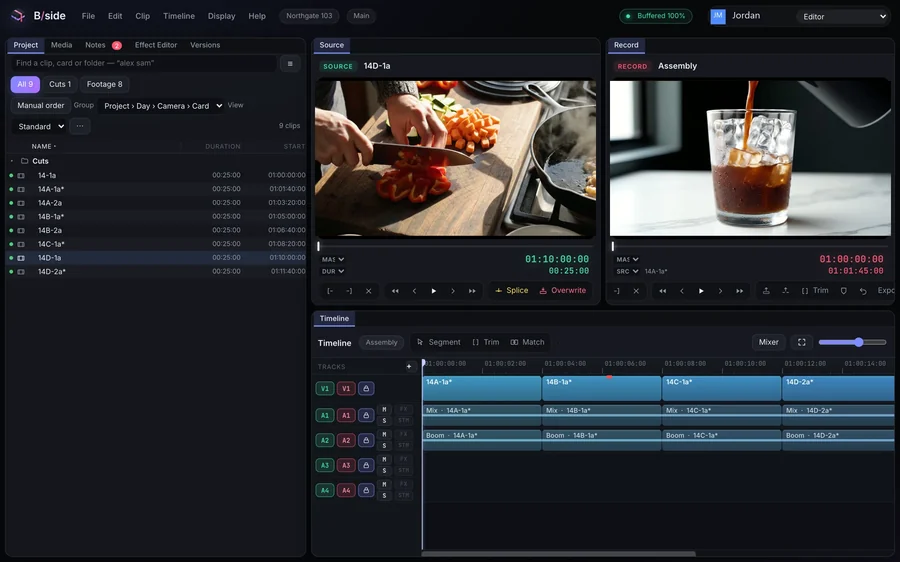
J, K and L to play. I and O to mark. V to splice and B to overwrite, Z and X to lift and extract. It is the default, so there is nothing to set up.
A keyboard with every Media Composer key lit: J K L to play, I and O or E and R to mark, Q and W to go to the marks, D F G to clear them, V splice, B overwrite, Z lift, X extract, A and S to walk the cuts, Y segment and U trim mode, P, brackets, M, comma, period and slash to trim, N match frame, C angles. Held Shift gives Slip on U, Dynamic trim on T and Extend on E; Option and Cmd have their own layers.
Open it
Your bins, your cuts.
Open an AAF on Creator and up. On Production, drop in the whole project folder and its bins, cuts and multicam groups open intact.
See how it works →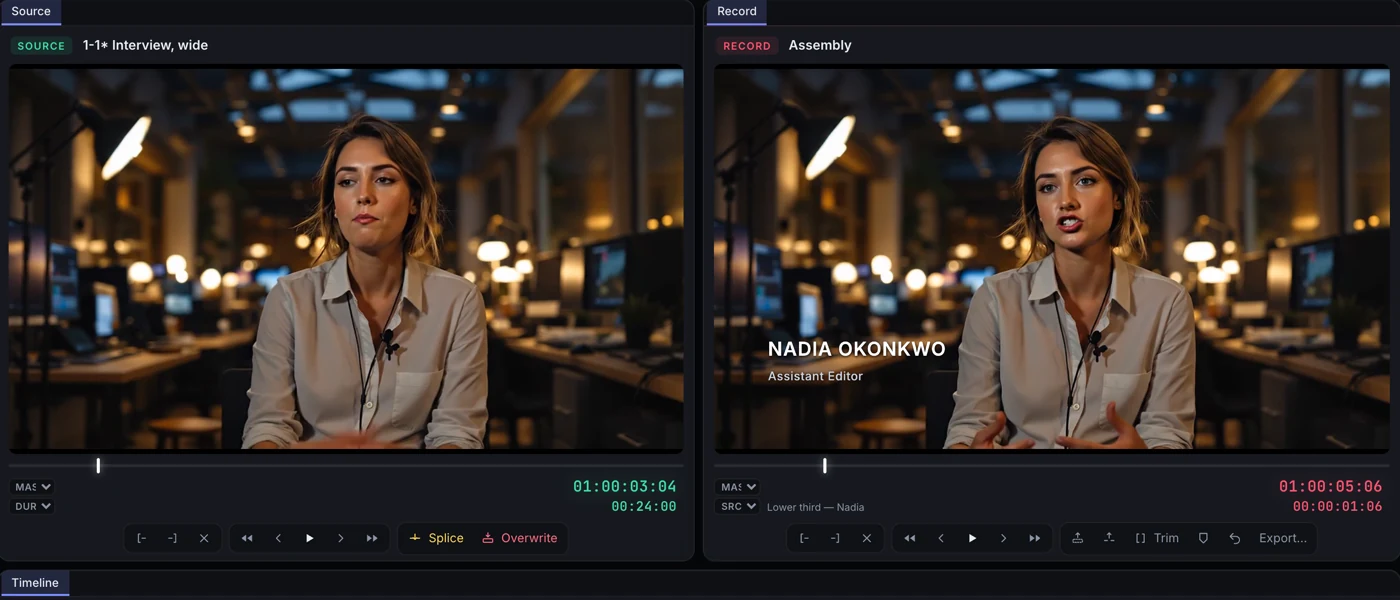
Nothing quiet
Named on the frame.
Effects both editors have arrive applied. Anything that does not come across says so on the frame, before the online.
See how it works →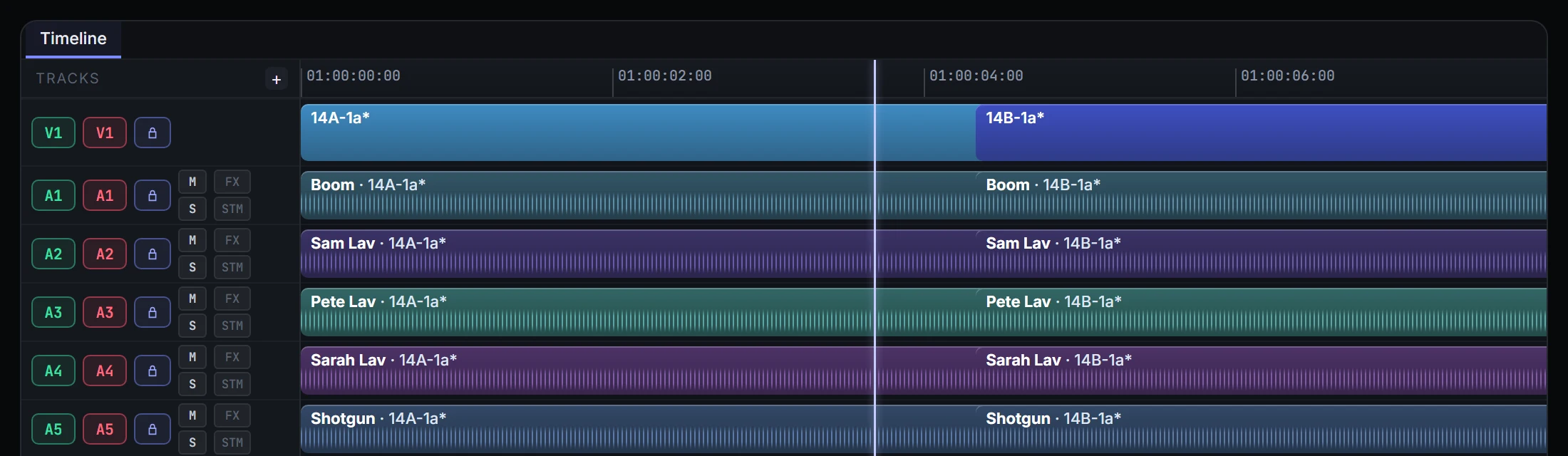
Hand it back
Sound and colour get what they expect.
Turn over to the mix and the grade as an AAF or an EDL, with change lists when the cut moves.
See how it works →Questions
Do I need Media Composer installed to open the project?
No. B/side opens an AAF, and on the Production plan the whole Avid project folder, without Media Composer on the machine.
Which keyboard does it use?
Media Composer’s, by default. Splice, overwrite, lift, extract, marks and the JKL shuttle are where your hands expect them.
What if an effect does not come across?
It is named on the frame where it sits, so you can see what to redo rather than discover it in the online.
What happens if I am on the Free plan?
You find out the moment you drop the project in, before anything uploads: opening a project another editor made is part of Creator, from $9 a month. Dailies lists from a lab come in on every plan.
Does every Media Composer key work?
In Chrome, every editing key does; the browser keeps a few window keys such as ⇧⌘W for itself. In B/side for Mac those are yours too, so ⇧⌘W closes the project as it does in Media Composer.
Do we have to move the whole show at once?
No. Your current system keeps running the whole time. Move one act, one episode or a pilot first, when you are sure.