

Editing software built by an Emmy-nominated Hollywood editor
One app for everyone who cuts video: B/side.
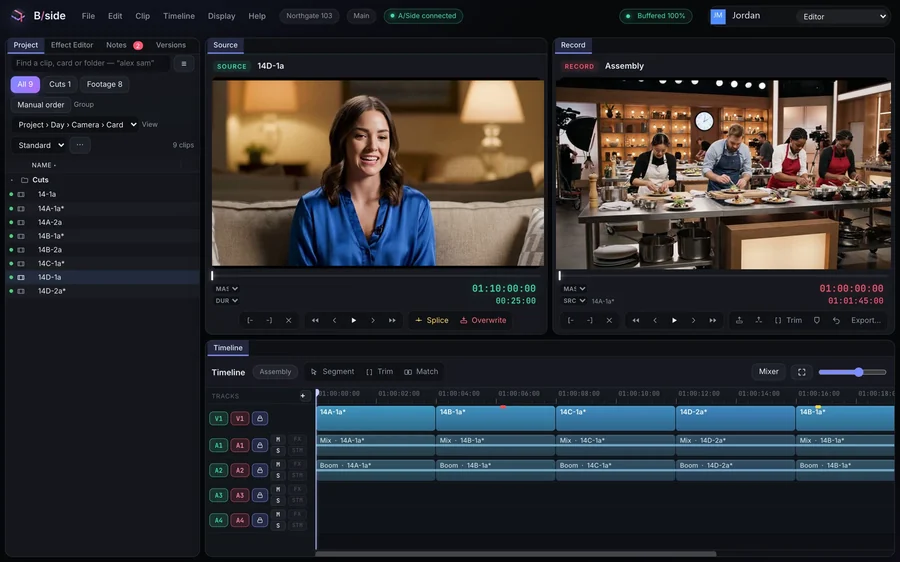
Edit from any computer. No drives.
Editing copies of your footage live in your project, so the drive can stay in the drawer. Start on your desktop, keep cutting on your laptop or any computer with Chrome. Free, no watermark.
Any computer
No drives attached.
Once your footage is in, cut it and send a review copy from any computer, with the drive back in the drawer. Plug the drive into any computer with the B/side app for the full-quality final, or keep your footage in the cloud.
See how it works →From your phone
Straight into your project.
Open an Upload Link on your phone and your clips land in the project, ready to cut on any computer.
See how it works →4K
Shot in 4K? Just cut.
Nothing to convert by hand and nothing to switch. Every cut lands on the exact frame.
See how it works →You drive
AI where you want it. Your hands on the cut.
The tedious parts take one click. Every cut stays yours, down to the frame. Nothing changes your edit unless you ask.
Wide and tall
Wide for YouTube, tall for Shorts, Reels and TikTok, from one cut.
Pauses out
Take the quiet between sentences out in one go. One undo puts it back.
Captions
Caption a whole video in one go. On Creator and up.
Music that ducks
Turn the music down under every line, in one go.
Voice-over
Type a line, or turn your own read into another voice.
YouTube chapters
Made from your markers.
OBS tracks
Game, mic and Discord, each on its own track, as OBS recorded them. On Creator and up.
Cut from anywhere
The same cut, wherever you sit.
Your projects follow you. Open the app at your desk and the browser anywhere else, and it is the same project and the same cut. Once your footage is in, you cut it with no drives attached. Finish from the originals when you are back at them, or keep them in the cloud too.
Mac
On your Mac
B/side as an application, in its own window, with every key on the keyboard yours.
Download for MacWindows
On your PC
B/side as an application, in its own window, with every key on the keyboard yours.
Download for WindowsWeb
In your browser
Chrome on a Mac or a PC, with nothing to install. Handy on a borrowed machine or in a hurry.
Open in ChromePhone
From your phone
Send footage into the project from a phone with an Upload Link. It is ready to cut on any computer.
How footage arrivesEverything that is not editing
Handled.
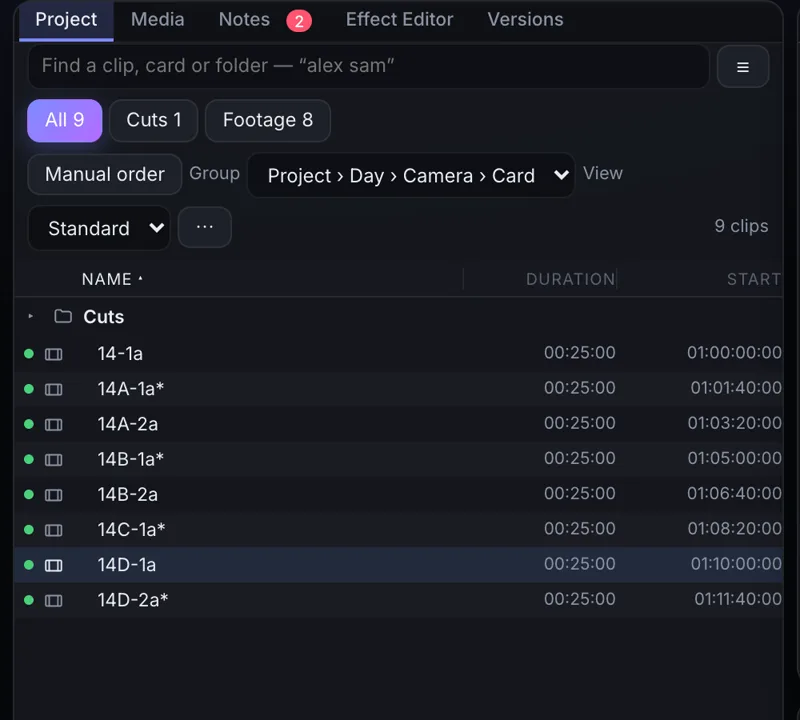
No import
Card in. Cutting.
Drag a card into the app and start cutting, picture and sound. Nothing waits on a transcode.
See how it works →Backups
Never lose your raw.
Point it at two drives. Every card is copied to both and checked, and it tells you when the card is safe to format. Free on every plan.
See how it works →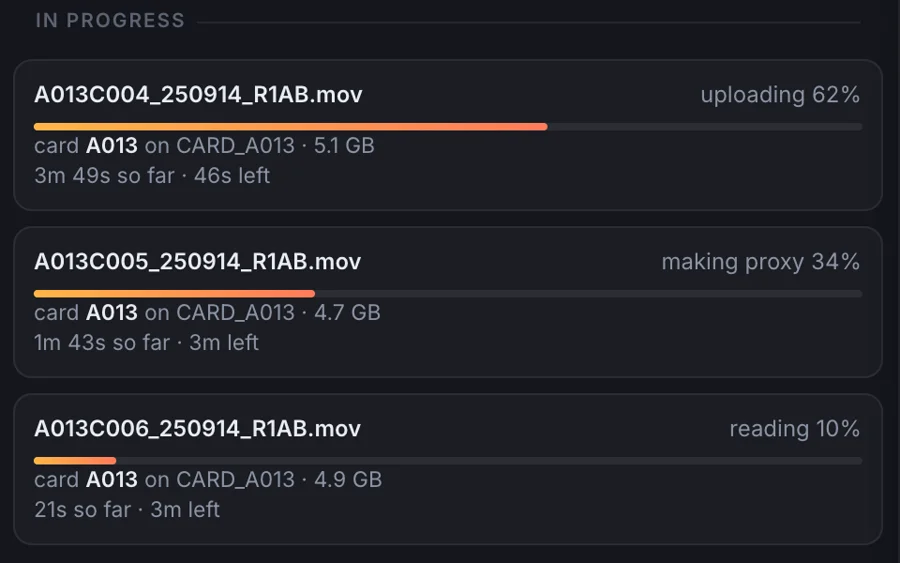
Location
Stop shipping drives.
Offload on location with a decent connection and the footage goes up as the day goes. The edit room starts before you wrap.
See how it works →Remote
Cut on the computer in front of you.
Stop paying for a computer in another room just to drive it from home. Every editor cuts at full speed, wherever they sit.
See how it works →Switching
Drop in your project.
Watch the cut rebuild.
Bring the Avid or Premiere Pro project you are already cutting. Every shot comes back in order with its transitions and speed changes. Then it tells you what it found, and exactly which shots are missing.
Multicam
Anyone can cut multicam.
Group every camera and the sound recorder and they line up by their sound. On Production, bSync lines them up by sound and by picture and checks the two against each other. Then cut live from a grid of every angle.
Review
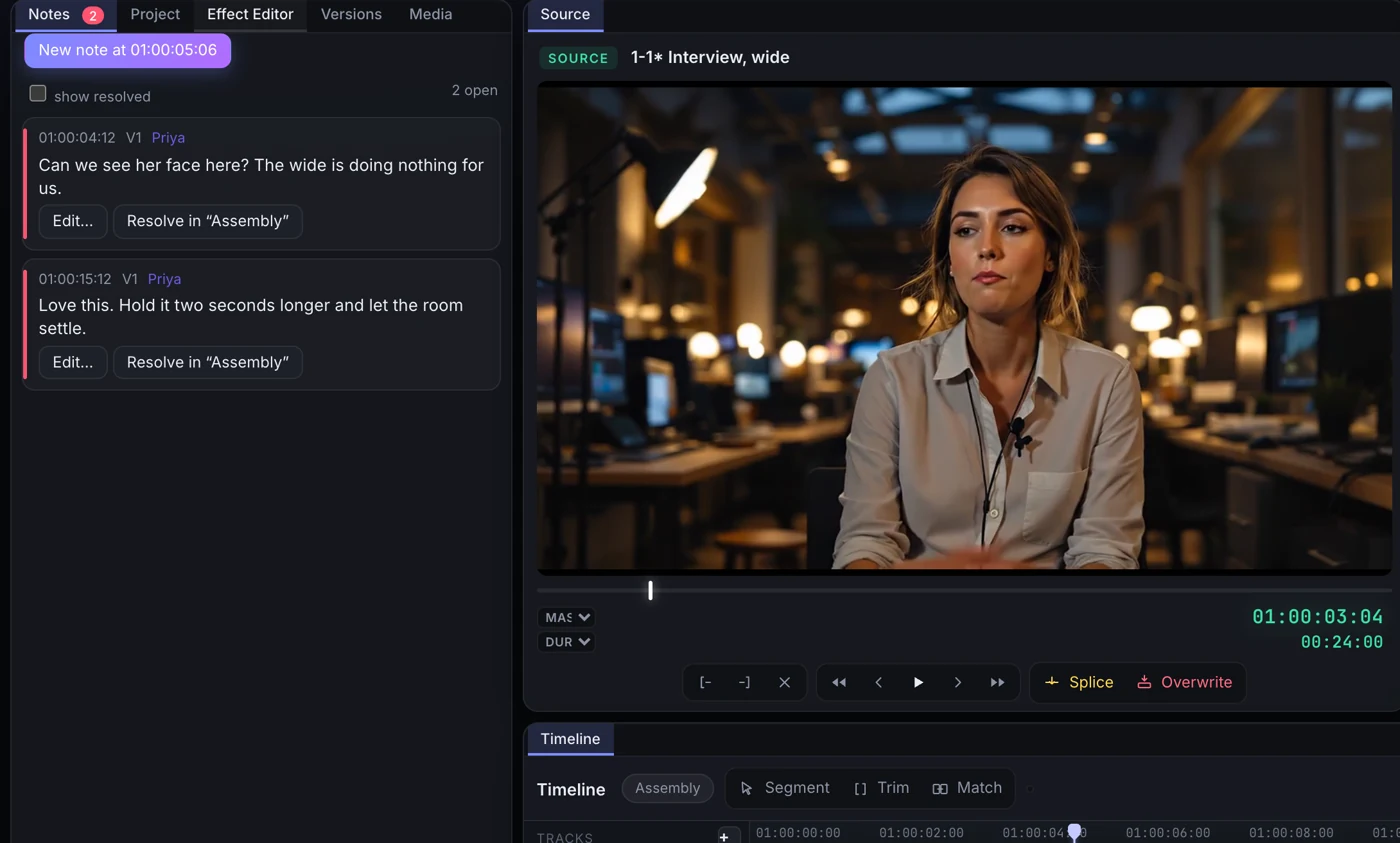
Stop exporting cuts.
Export once, when you are done. Until then your producer watches the real cut from a link and writes on the frame.
See how it works →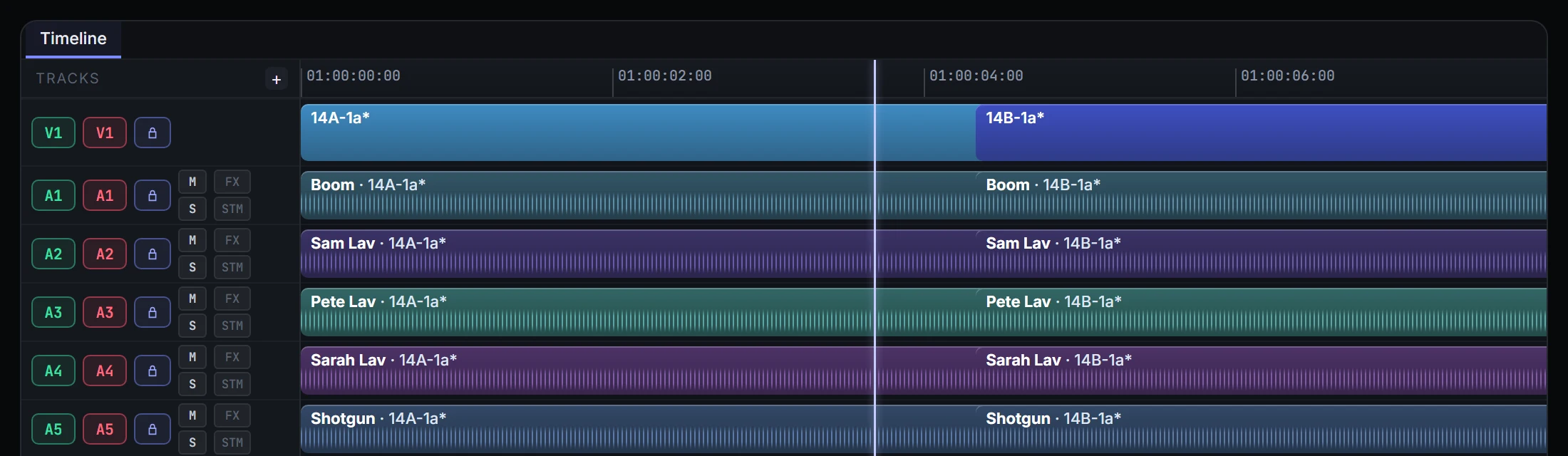
Sound
Every mic, named.
Boom, Shotgun, every lav by name, on the right track, all the way to the mix.
See how it works →Teams
Edit together, from anywhere.
Every editor on their own act, on their own machine, in one project for the whole show.
See how it works →Built in the cutting room
Made by someone who has sat in your chair.
B/side is built by an assistant editor with 15 years in post, across scripted and unscripted television, game shows, features and VFX-heavy shows. Every rule in it comes from a real night in a real cutting room.
Nominated for a Children's & Family Emmy for editing on The Muppets Mayhem.
Selected credits
- Shark TankLead assistant editor
- Wheel of Fortune
- Big Brother
- Dancing with the Stars
- The Goldbergs
- The Muppets MayhemEmmy nominated, editing
The maker’s own credits. These shows are not B/side customers.
Start with what you cut
- For content creatorsI make my own contentA channel you are growing, or a short you shot on the weekend.
- For freelance editorsI edit for clientsYou cut for a living: creators, brands, freelance work with a deadline.
- For post houses and showsI run a post house or a showUnscripted and episodic, a team of editors, assistants and producers.
Start free, on a real project
Free has the whole editor and 3 projects, with 50 GB of storage. It exports at full quality for YouTube, TikTok and Instagram, with no watermark. It never expires. Creator is $9 a month when you need more.
Start for free