

From Premiere Pro
Bring the Premiere project. Keep cutting.
Drop in your Premiere Pro project on Creator or any plan above it and watch the cut rebuild in B/side, reframes and all. Then it tells you what it found and which shots are missing.
Your hands
Keys that feel like home.
Choose the Premiere-style keyboard: comma inserts, period overwrites, the arrows walk the cuts and M adds a marker. Keys it does not cover keep their Media Composer place, and the keyboard sheet shows which.
A keyboard with the Premiere-style keys lit: J K L to play, I and O to mark, X to mark a clip, comma to insert, period to overwrite, M for a marker, and the up and down arrows to walk the cuts.
Open it
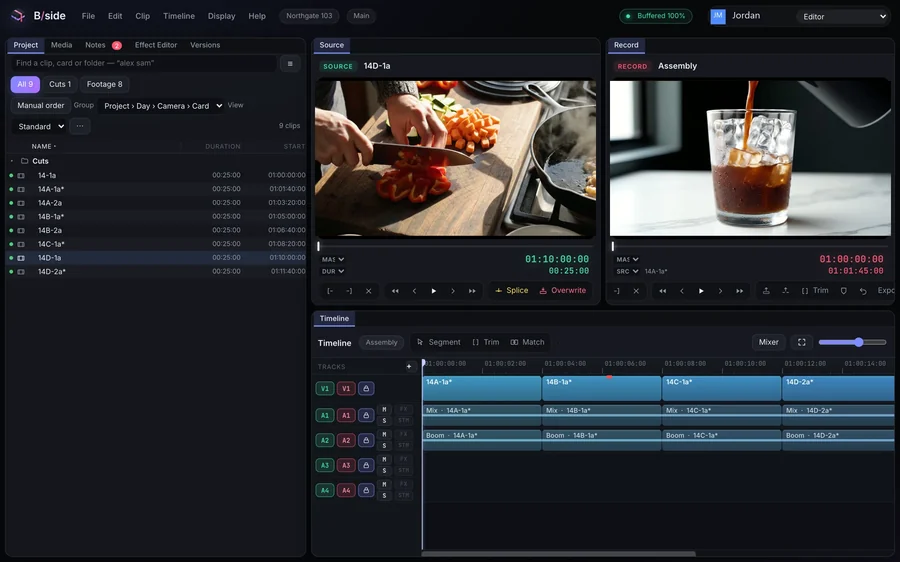
The cut, as you left it.
A reframe arrives as the move it is, with its keyframes. A box you never touched stays untouched.
See how it works →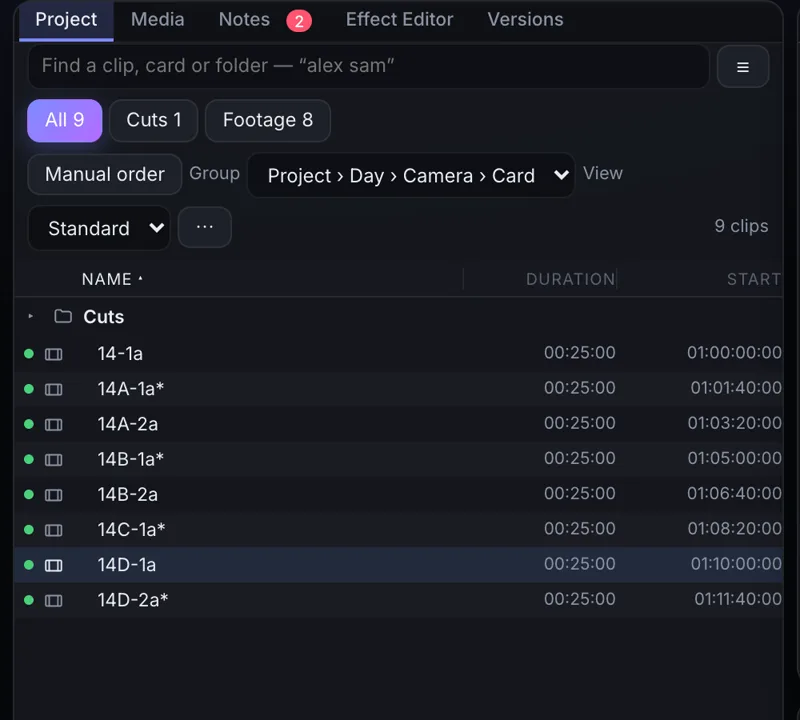
New footage
Card in. Cutting.
Drop new footage straight in and keep going. Nothing waits on an import or a transcode.
See how it works →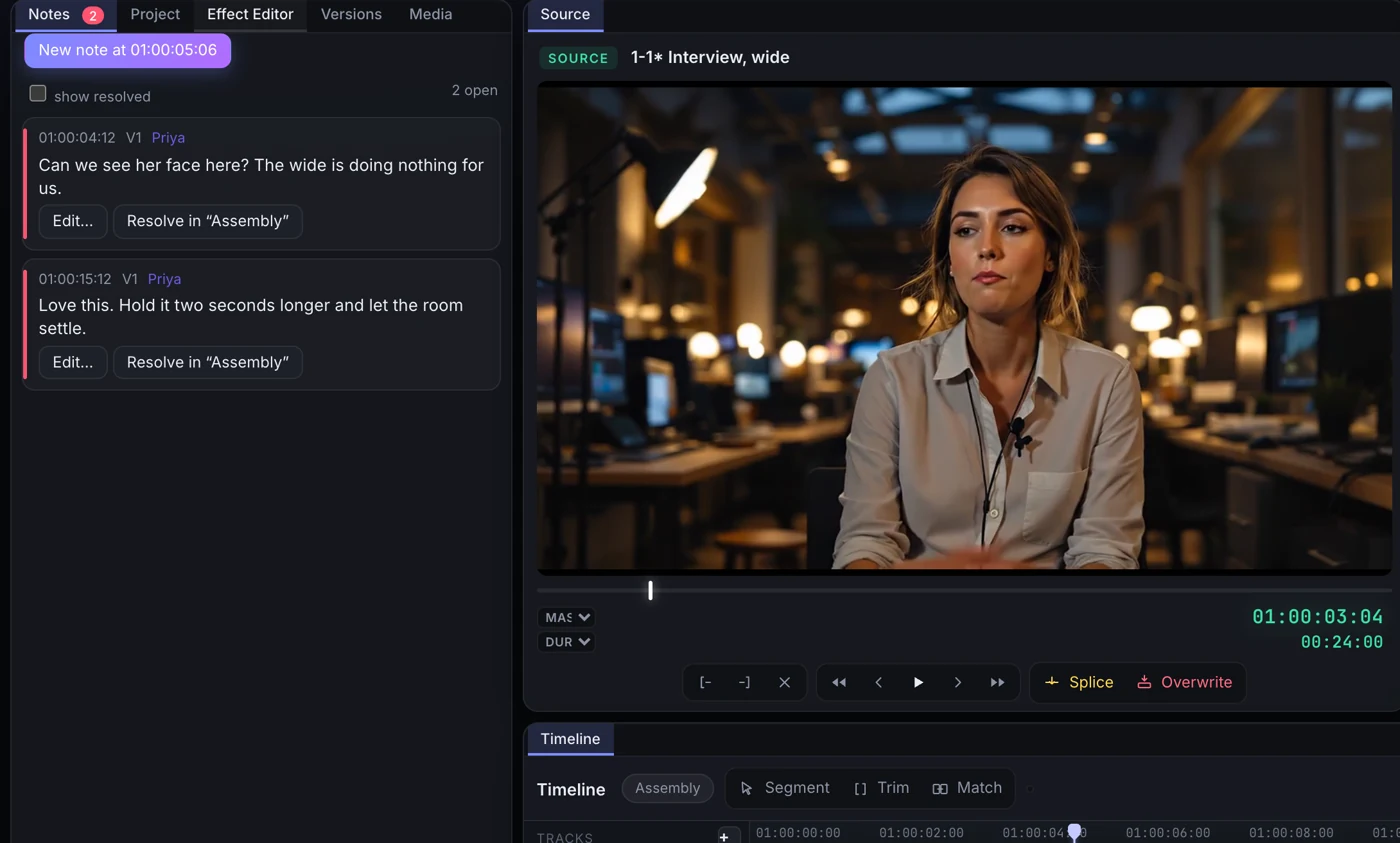
Your client
Notes on the frame.
Send a link instead of an export. Notes land on your timeline at the frame they were written on.
See how it works →Questions
Do I need Premiere Pro installed to open the project?
No. Drop the Premiere Pro project into B/side and the cut opens, on Creator and every plan above it.
Can I keep my Premiere shortcuts?
Choose the Premiere-style keyboard. The common edit keys work as you expect, and anything it does not cover is shown in the keyboard sheet, so there are no surprises.
What happens if I am on the Free plan?
You find out the moment you drop the project in, before anything uploads: opening a project another editor made is part of Creator, from $9 a month. Dailies lists from a lab come in on every plan.
What if something does not come across?
It is named on the frame where it sits, so you can see what to redo before you deliver.